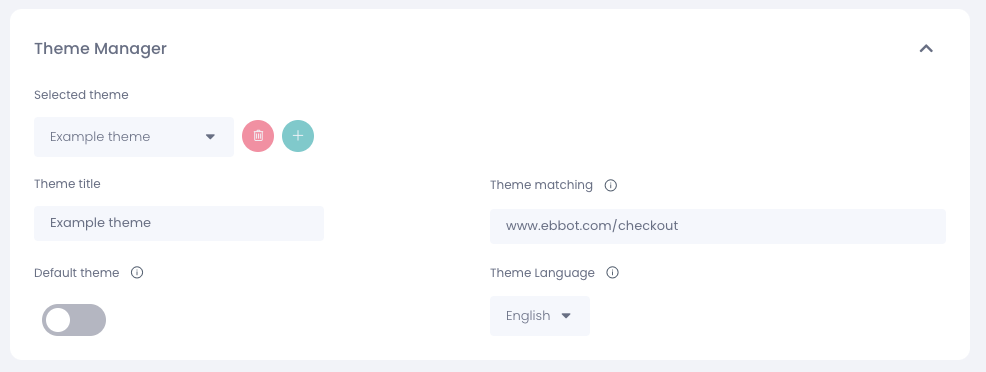
The theme manager is a powerful tool for customizing the widget layout of your webpage. You can use it to change the styling or show/hide the widget based on the customer's location on your webpage.
To access the theme manager, go to Chat Widget > Styling and you'll find it in a drop-down menu at the top of the page. By default, you always have a base theme. To customize your widget, create a copy of the base theme and start making changes to the new theme. The new theme will inherit all the current settings of the base theme, so you won't have to start from scratch.
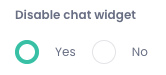
After customizing the theme, you can decide how it will benefit your webpage. For instance, if you don't want the widget to show in the checkout section of your website, you can add the URLs where you want this to be activated and choose to disable the chat widget under settings.
You can enter comma-separated URLs or paths where you want this theme to be applied. This will apply the selected theme to all specified websites. Additionally, you can use the following prefixes to match patterns:
- contains:: Matches all URLs that contain the specified string (e.g., contains::user-profile)
- starts:: Matches all URLs that begins with the specified string (e.g., starts::https://example.com)
- ends:: Matches all URLs that end with the specified string (e.g., ends::/contact)