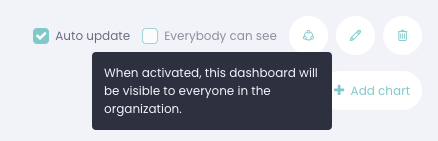
Sharing dashboards within the Ebbot App is quick and easy via the options at the top right of your dashboard.
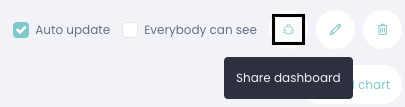
Click the share dashboard icon to share your dashboard.
Here you can choose which rights the person should have to your dashboard:
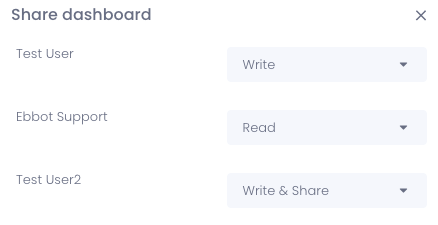
Write = Write permissions, can see and change your dashboard.
Read = read permissions, can only see your dashboard.
Write & Share = write and sharing permissions, can change and share your dashboard to others.
There is also an option called "Everybody can see", then your dashboard is shared directly with everyone in your company.