
What are skills in the Ebbot App?
Skills in the Ebbot App enable admins to assign specific work tasks to agents based on their department. This helps route chats to the right team, ensuring a seamless experience for your customers.
How do I add a new skill?- Go to Administration > Skills.
- To add a new skill, click "+" in the top-right corner.
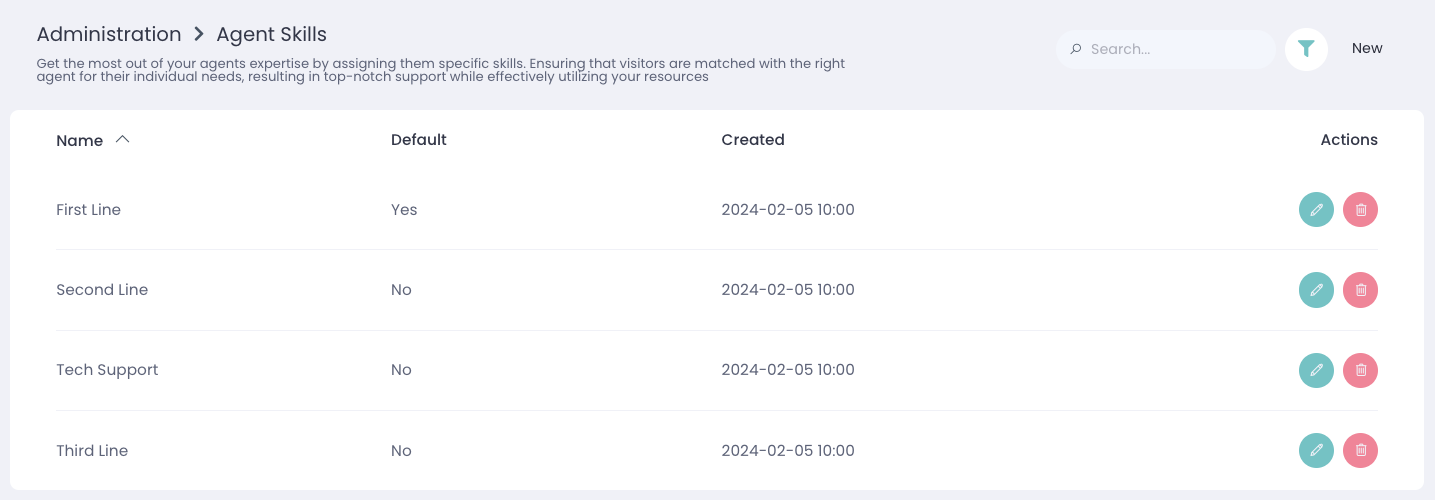
Once set up, skills will be displayed like this during the live chat: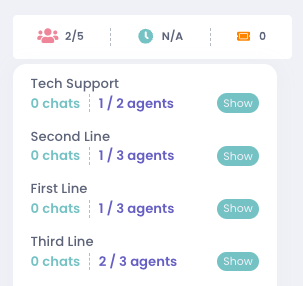
For a skill to function as intended, it must have a schedule attached to it. Without a schedule, the skill will send the chat to all agents on the bot, not the intended skill.
How do I do a skill handover to another agent?To transfer a skill, be in an active chat. In the top-left corner, click the three dots symbol, then select Transfer.
A menu will appear showing online agents and available skills. Choose the relevant skill and click Transfer to complete the handover.