
Go to Settings > Integrations > Extensions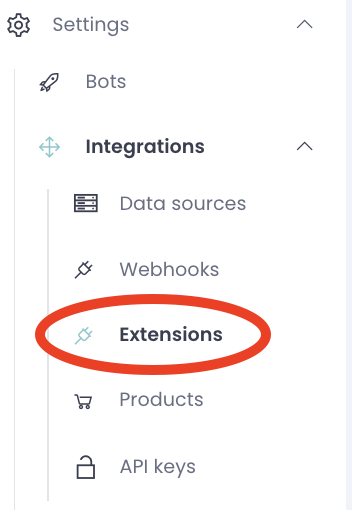
To get started, fill in the credentials below according to the provided examples: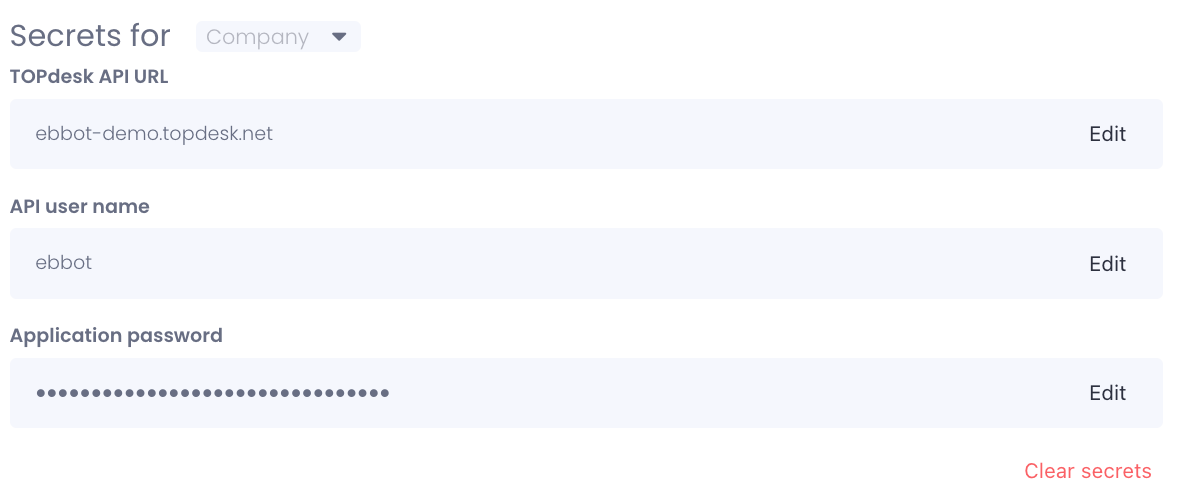
Topdesk API URL
- Enter the URL of your Topdesk instance.
- Example: my-topdesk.topdesk.net
API User Name
- Enter the username of the API user for your Topdesk instance.
- Example: ebbot-api-user
Application Password in TOPdesk for Ebbot
- Follow the instructions on the TOPdesk documentaion site