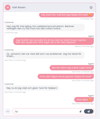
When you have finished chatting with a customer or visitor, you can close the chat in two ways.
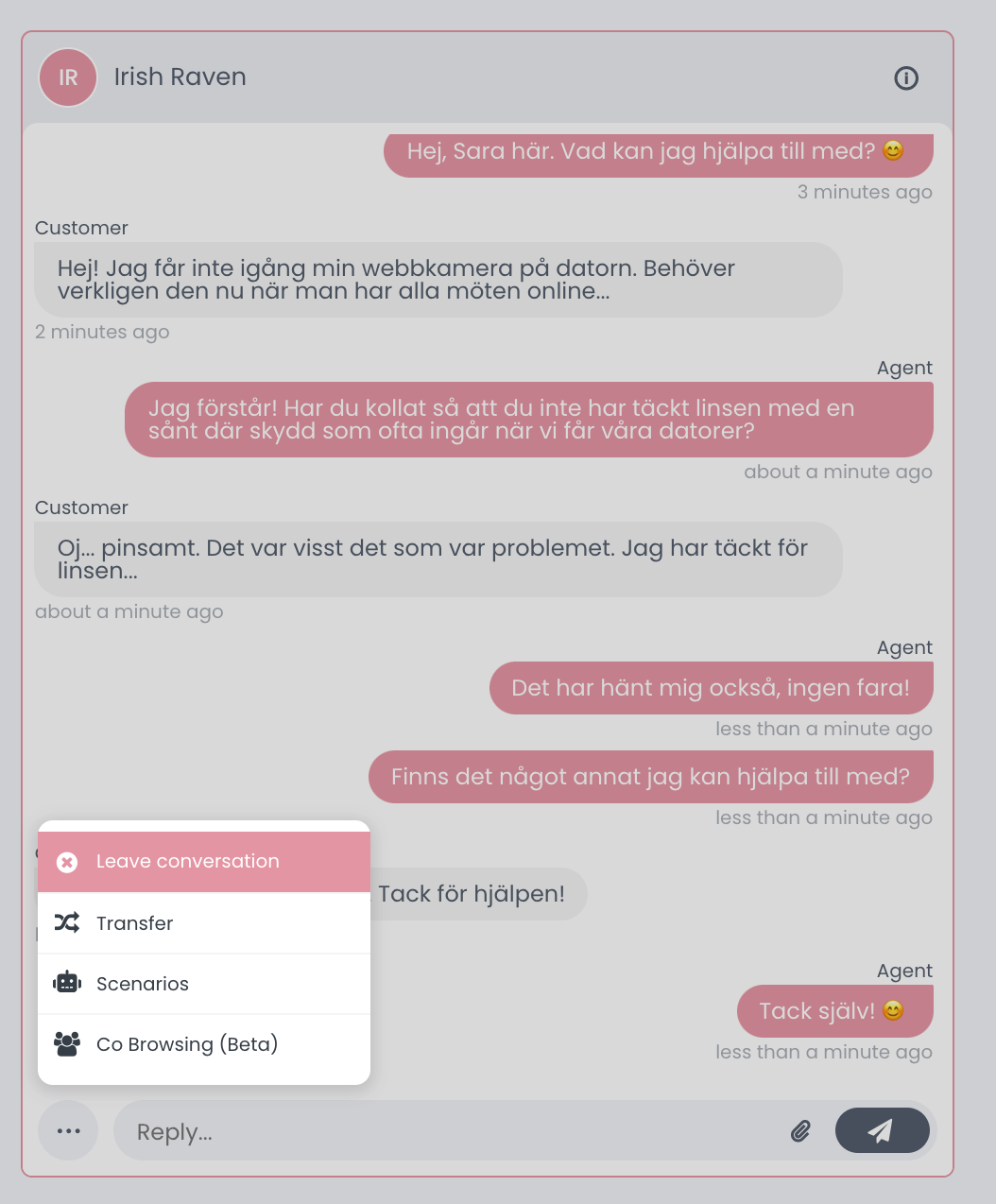
1. Click on the three dots to the left of the field you are typing in. Select "Leave conversation".
2. Type: /ql in the field where you type and press Enter. Ql stands for quick leave.