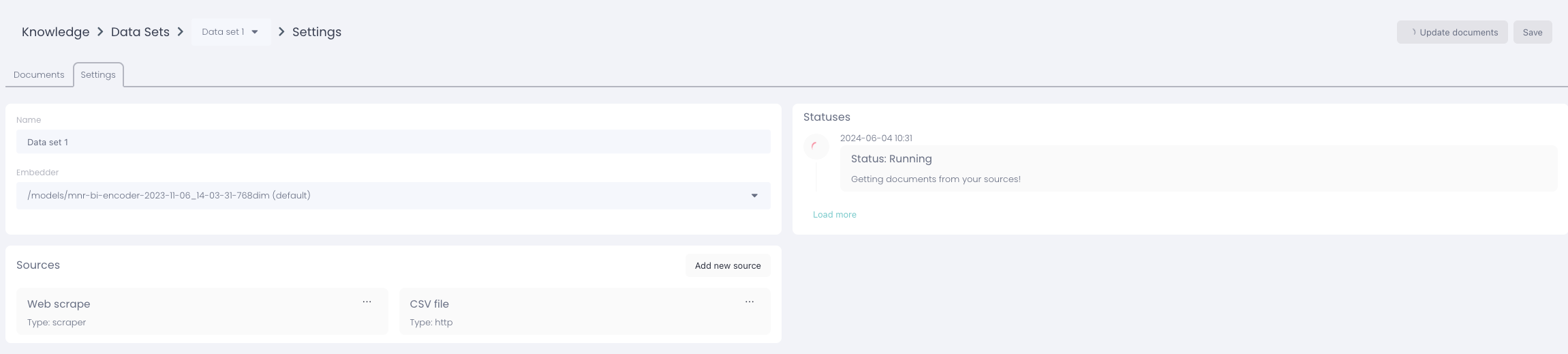
To change a CSV file in a data set, you need to first select the data set where its located
Click on the data set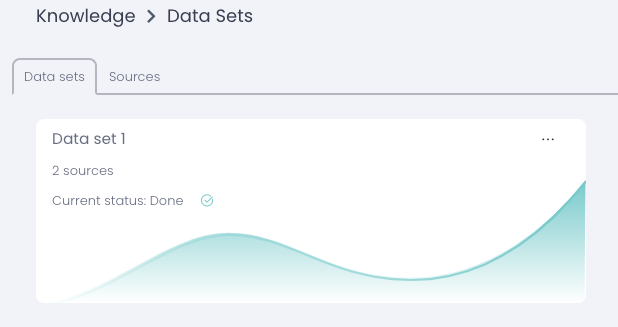
Choose the tab settings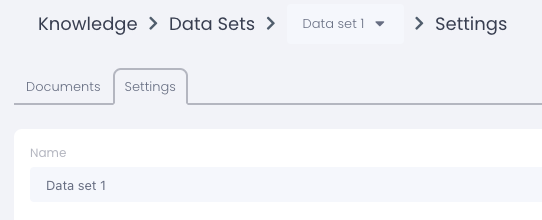
Select the source where the CSV file is located and press "Edit source"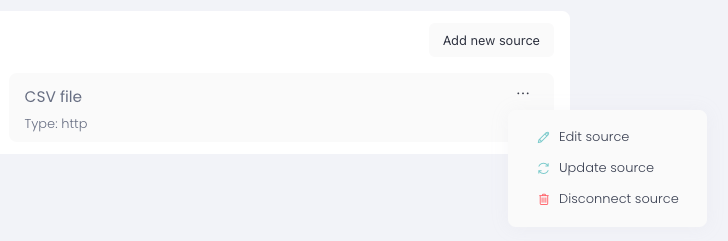
Press "upload file" to replace your old CSV file with the new one, then press save.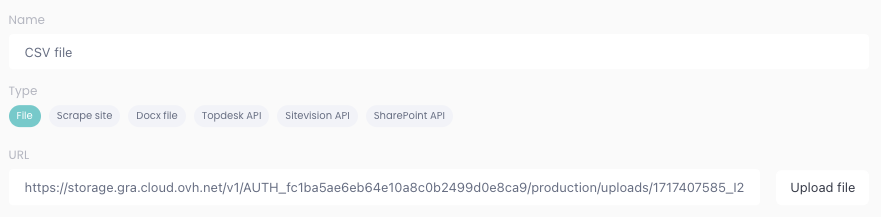
It's important that you now update your documents in the top right corner of the data set

It should be looking like this when you've updated the documents