
The data retention feature is available exclusively to users with the Owner role in the Ebbot app. As the Owner, you have full control over how your data is processed. You may choose to either anonymize the data by removing personal information, delete it entirely from the application, or apply both options.
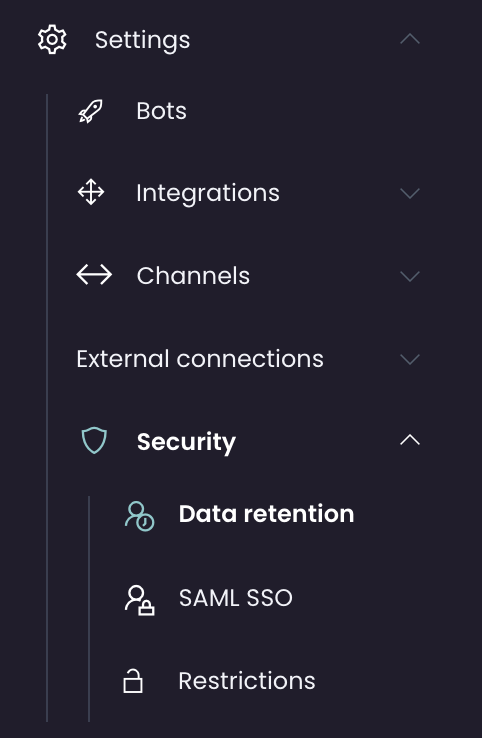
You can find settings for data retention under Settings > Security > Data retention.
Set the retention rules for how long specific data is being stored within the Ebbot platform before being automatically deleted.
ConversationsAuto-approve cleanup tasks
Auto-approve cleanup allows these tasks to run automatically without requiring manual approval before data is purged.
Bot conversations
Set how long conversations between end user and bot should be saved.
Agent conversations
Set how long conversations between end user and agent should be saved.
Custom Flagged Conversations
You can build a scenario that (if triggered) makes sure the conversation is saved regardless of data retention settings.
DishwasherEnabling the Dishwasher feature in your conversations removes certain personal information, such as email addresses, phone numbers, and names. The conversations themselves will not be deleted, but personal data will be masked.
User CleanupUse this feature to notify the owner of your Ebbot account about inactive users.
File StorageAll files that are sent or in some way processed inside a conversation. These exist separately from the conversations themselves, which is why they have their own section.
