
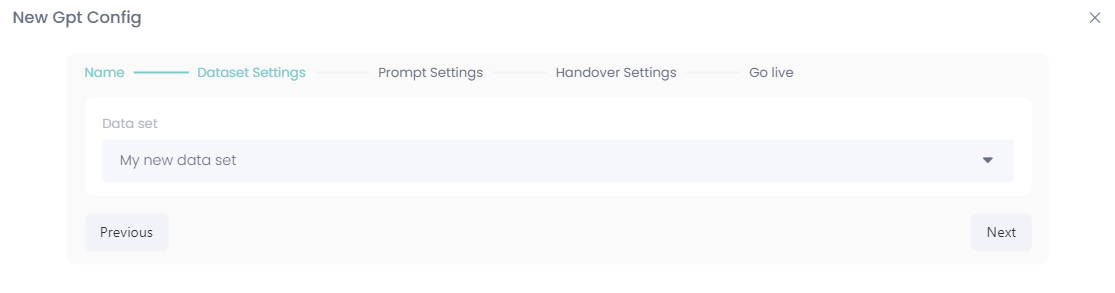
To create a new config, press the "create new" button at the top right corner in ebbot app and name your new config.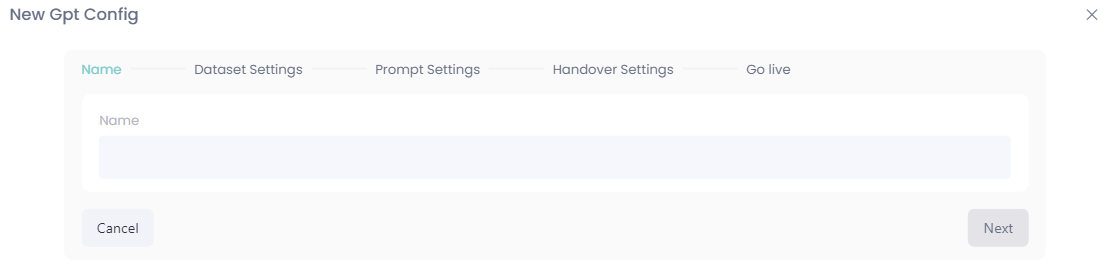 Choose your desired data set
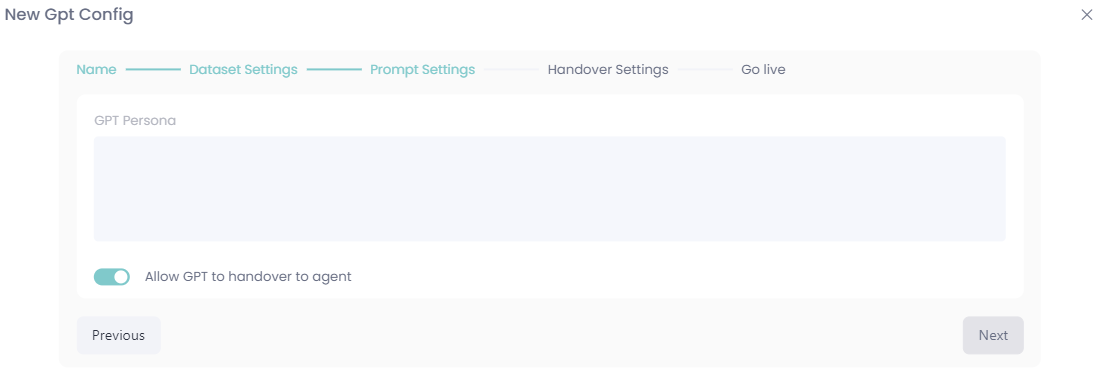
 Create your persona and choose if the GPT model should allow handovers to agents or not:
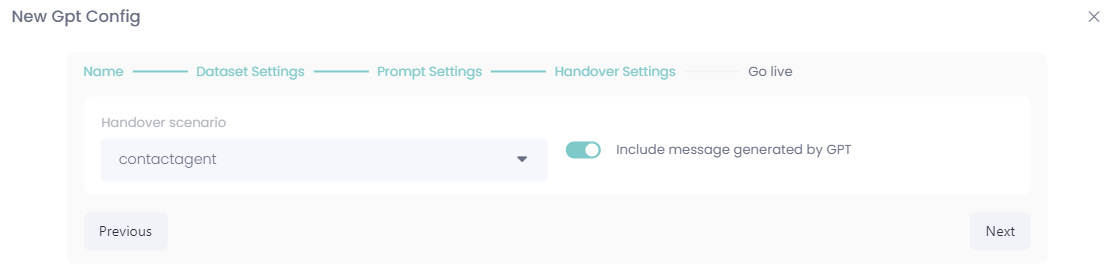
 If you choose to allow GPT handover, this optional page shows up, suitable the contact agent scenario should be played here:
 Next up is to confirm your settings:
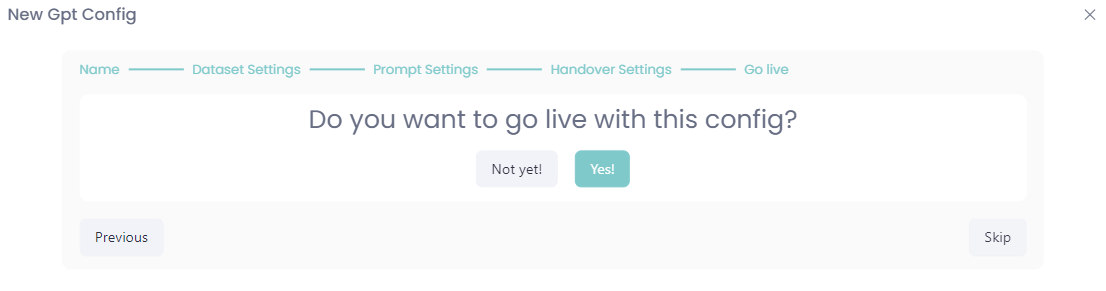 And now we're all done, good job!