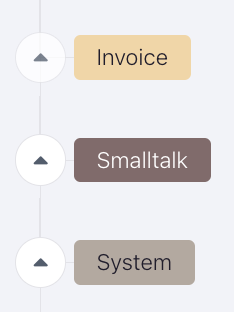
To organize the bot studio, "lables" are available to help.
Labels are basically folders where you can put more scenarios under one label to have better control.
To create a label / add an existing scenario to a label, use the three dots next to a scenario:
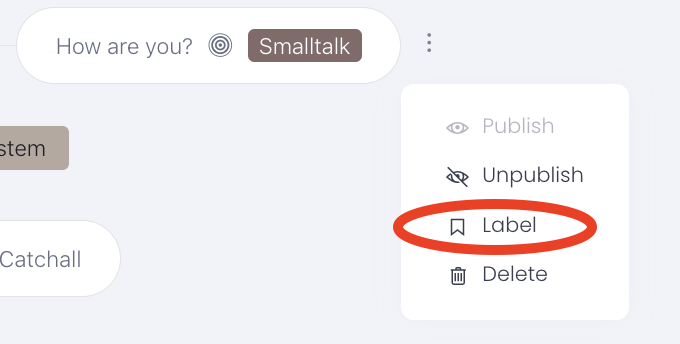
You can also label more than one scenario.
Press "Batch edit". From there you can choose what you wish to do with certain or individual scenarios:
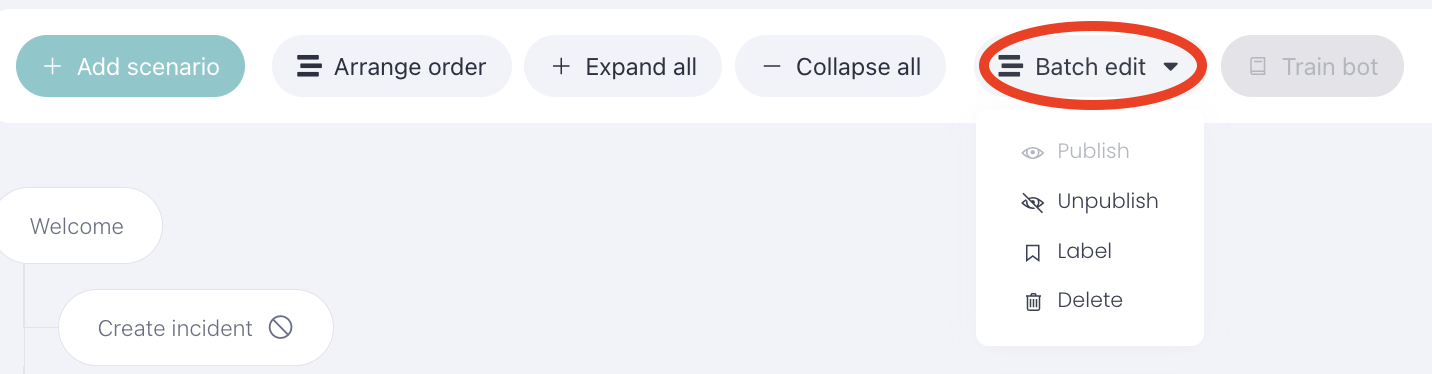
A third option is to press "Arrange order", to drag and drop your scenario under a label. Don't forget to press "Arrange order" again after you finished:

After you finished labeling your scenarios it should look something like this: