Under "Bots" you find your chatbots, you can see the number of bots, the confidence level it has and whether it is active or not.
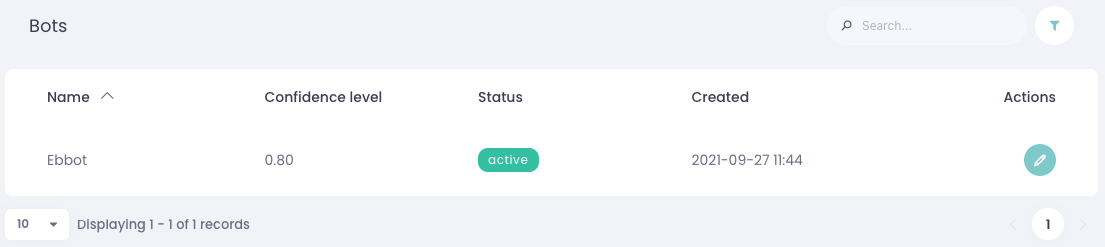
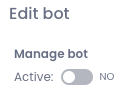
To deactivate a bot, click the green pencil icon, set "Active" to "no," and save your changes. This option is available only to account owners.