
There are many different way your bot can response and in this article we will go through some of the most common ones.
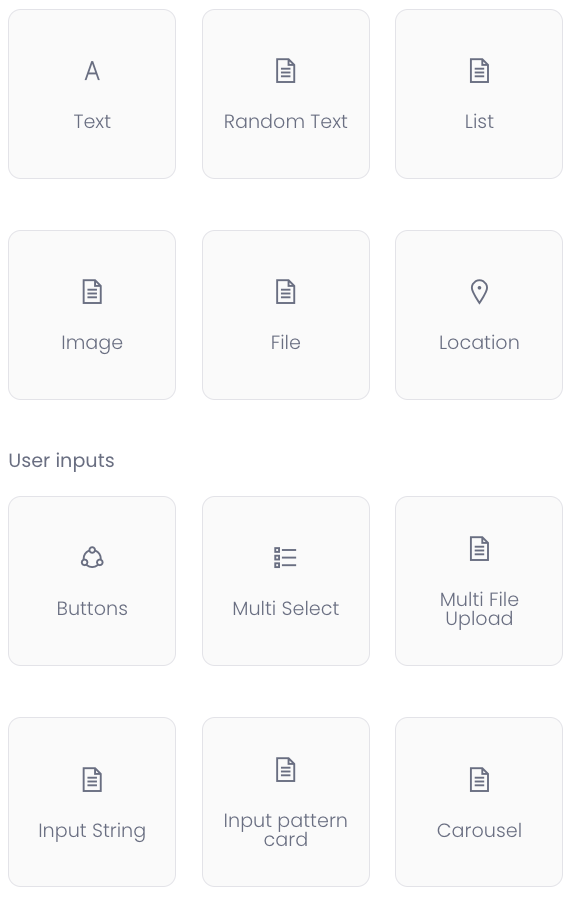
Text: The bot will present a simple text. Nothing more nothing less.
Random text: Make your bot feel more alive. Let's say a end-user repeats the same statement e.g "Hello" the bot can answer in different ways: e.g "Hello", "Hi there" etc.
List: Present your answer in a list card to make it more easier to follow steps.
Image: If you want to present an image to your answer.
File: If you want to present a file to your answer.
Location: Make it easier for the end-user to find a location. Present them with a location card where you can add a specific adress to a location.
Buttons: A very well used card in ebbot.app. Re-direct the end-user to other scenarios or to different pages/sub-pages on your site.
Multi Select: Make the end-user select different choices.
Multi File Upload: When you want to collect images or files from the end-user.
Input String: Save an input from the end-user. E.g "What's your favorite color?"
(Output variable: var_color)
"Oh! is such a cool color!"
Input Pattern Card: If you want to e.g collect an email adress. Use a regex code that fulfill your requirements.
Carousel: If you want to present different slides of images to "swipe" through.