
This is where you add all the information that your GPT-bot will use to answer questions. Your information can be added in several different ways, such as scraping your website, or adding a Word document or CSV file.
Data sets
Think of a data set like a folder for your bot's information. The bot can only use one data set at a time, but each data set can hold information from multiple sources.
Sources
Sources are the individual files containing your information. Uploading two Word documents creates two sources. Scraping your website creates another source. You can add as many sources as needed to a single data set.
We split data sets and sources into different groups for two main reasons.
First, it can help EbbotGPT do its job better. Imagine EbbotGPT is a librarian. If all the books are jumbled together, it might take longer to find the right one. By separating the information into clear sections (like fiction and non-fiction), EbbotGPT can find what you need faster.
Second, splitting data lets us tailor information to different users. Think of online stores. A store might have separate sections for things you buy for yourself (B2C) and things you buy for a business (B2B). Similarly, we can split data sets so different "bots" can use the information that's most relevant to their users.
Create your first data set
Start by pressing 'create new' in the top right corner.
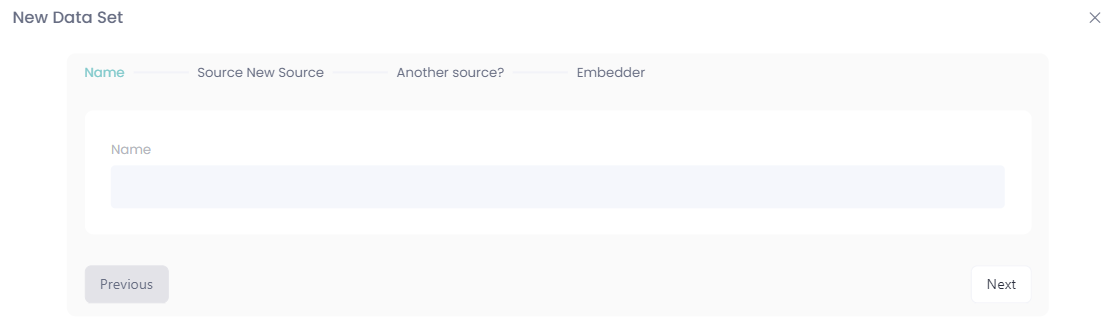
Name your data set:
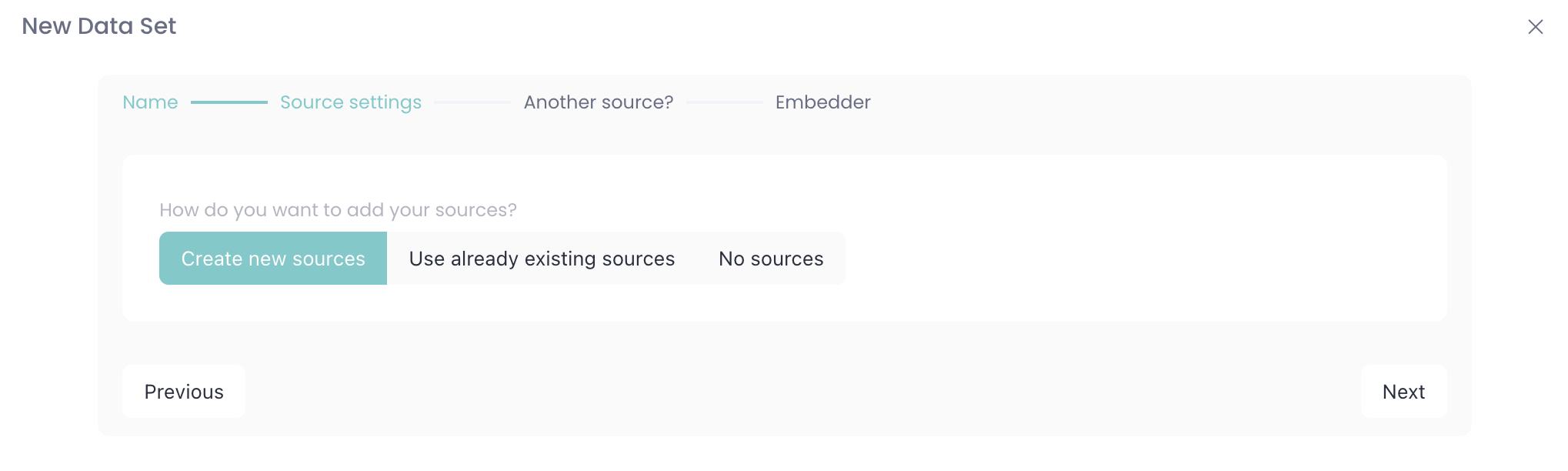
Select if you want to add new sources, use existing or start by creating a data set without sources (your data set will need sources sooner or later to work).
Choose if you want to scrape a webpage or upload an file (csv, json) as a data set, in this example we're scraping a webpage:
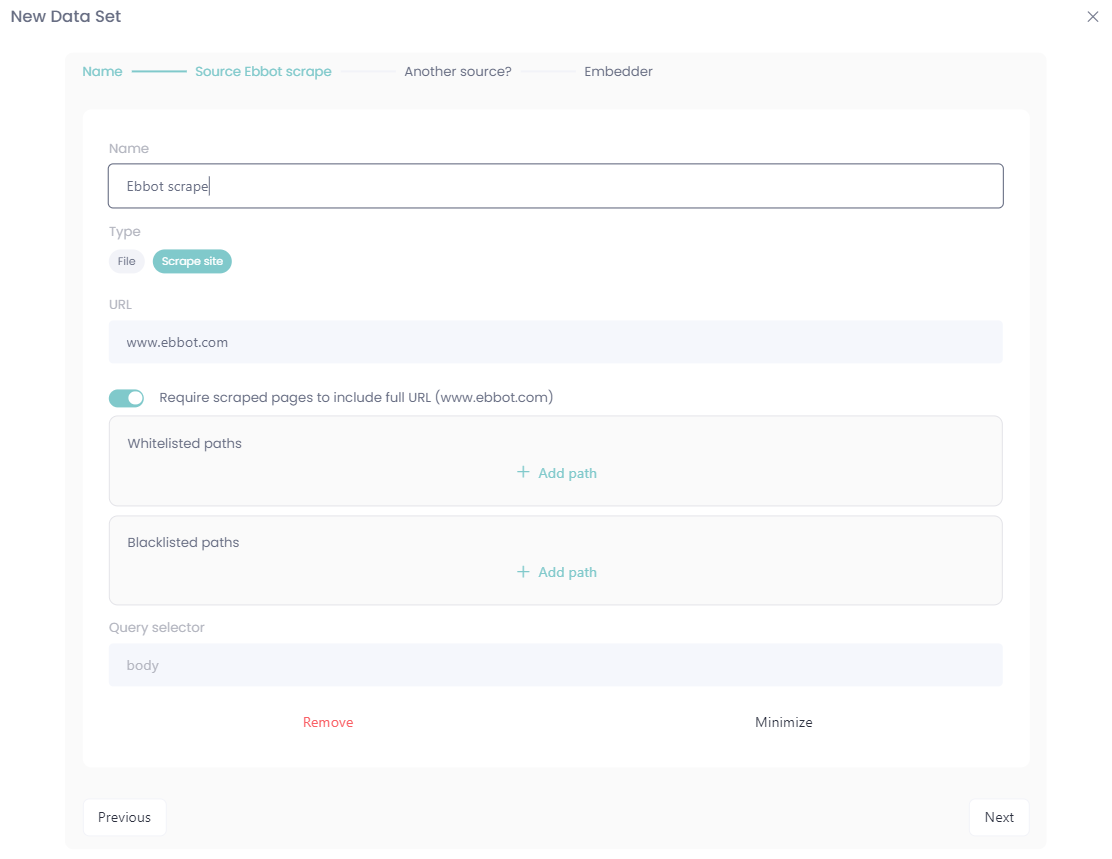
You can add several sources if you want, one scraped webpage and a Word document works fine! 👌
Next step is to choose an embedder, we recommend using the default embedder if nothing else has been agreed on from Ebbot, this will give you a solid GPT-model to create magic with!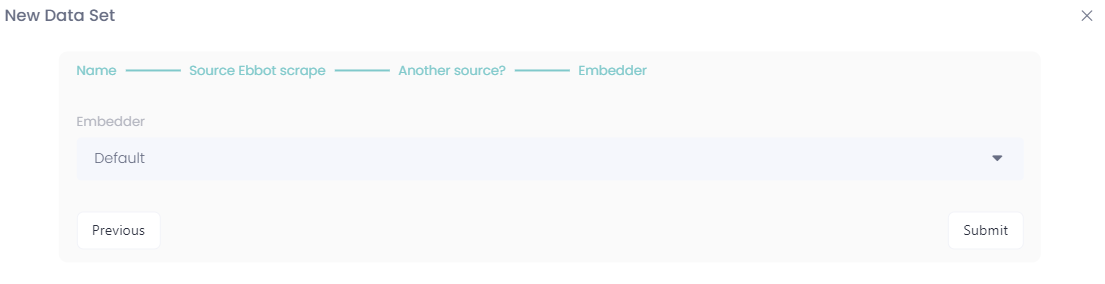
After this, the scraping/uploading begins and we're done with our sources.