
Here you have the opportunity to create API keys that can be used to authenticate against different parts of Ebbot's API.
Create an API keyYou create a new key by pressing the plus sign at the top right:
Give the key a name
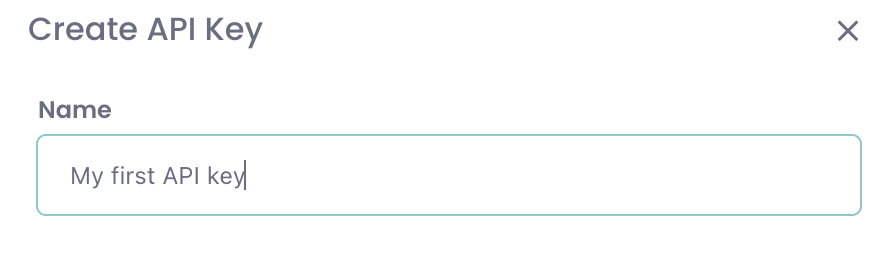
Then you press "Create Key":

Now your new API key will appear. It consists of two parts, Public Key and Secret Key:
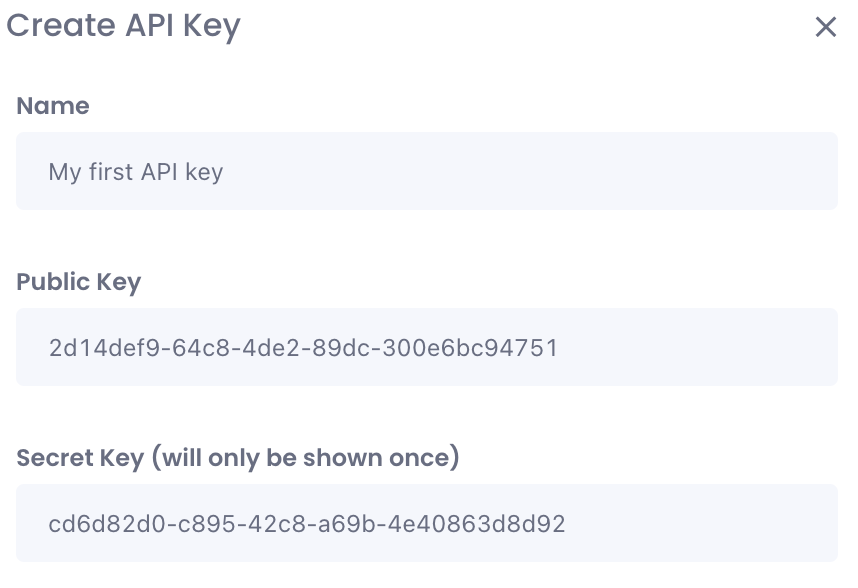
To use your new key in authentication in Ebbot's API calls, enter it as " . ". In this case it would therefore be:
"2d14def9-64c8-4de2-89dc-300e6bc94751.cd6d82d0-c895-42c8-a69b-4e40863d8d92"
Permissions
The API key inherits the permissions your user account has. That is, it gets access to the resources your account has in the Ebbot App as well as the bots your account has access to.