Cloud hosted TOPdesk environment
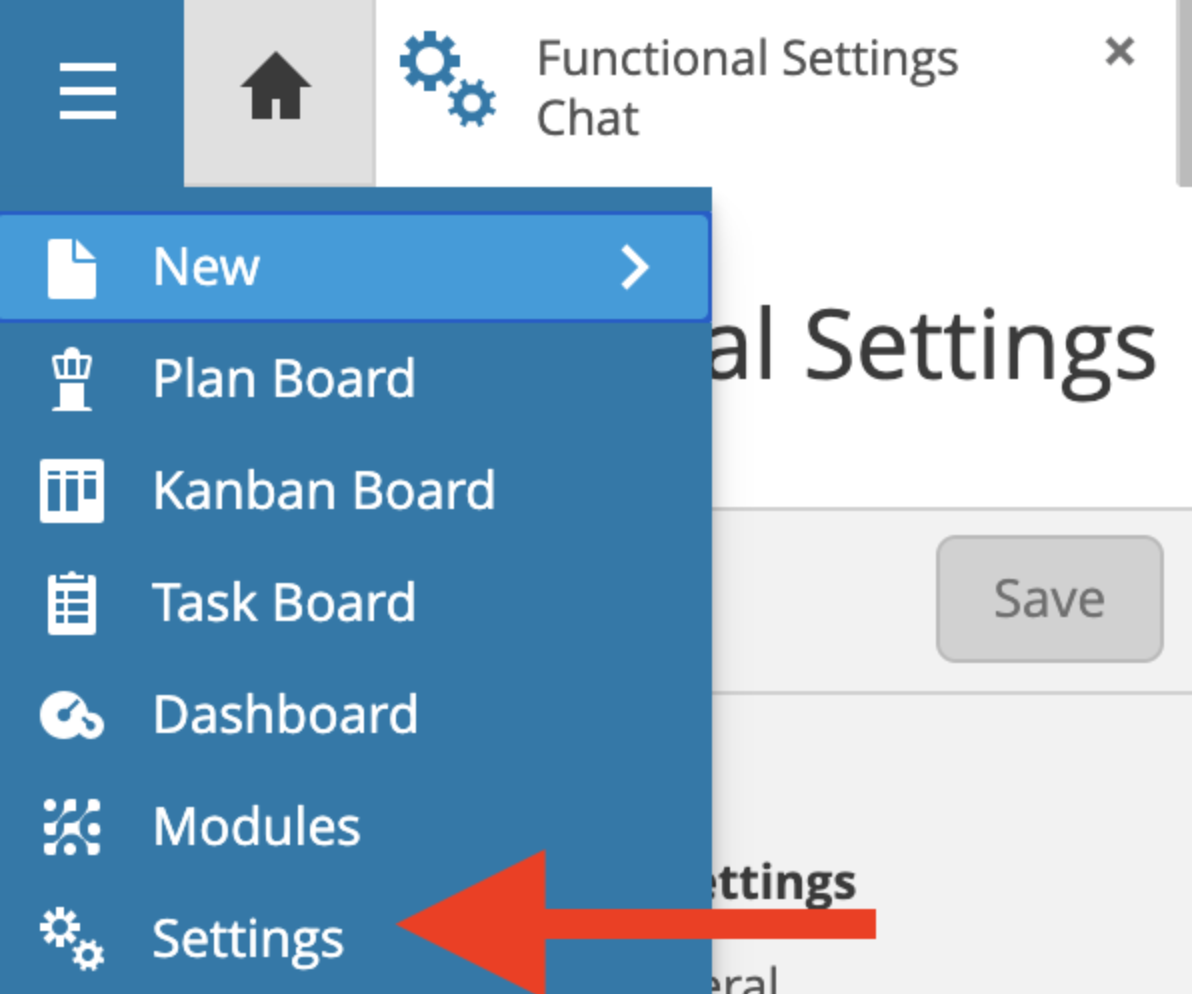
Click on the TOPdesk menu > Settings
Then go to Functional settings -> Chat and choose "Third party chat provider":
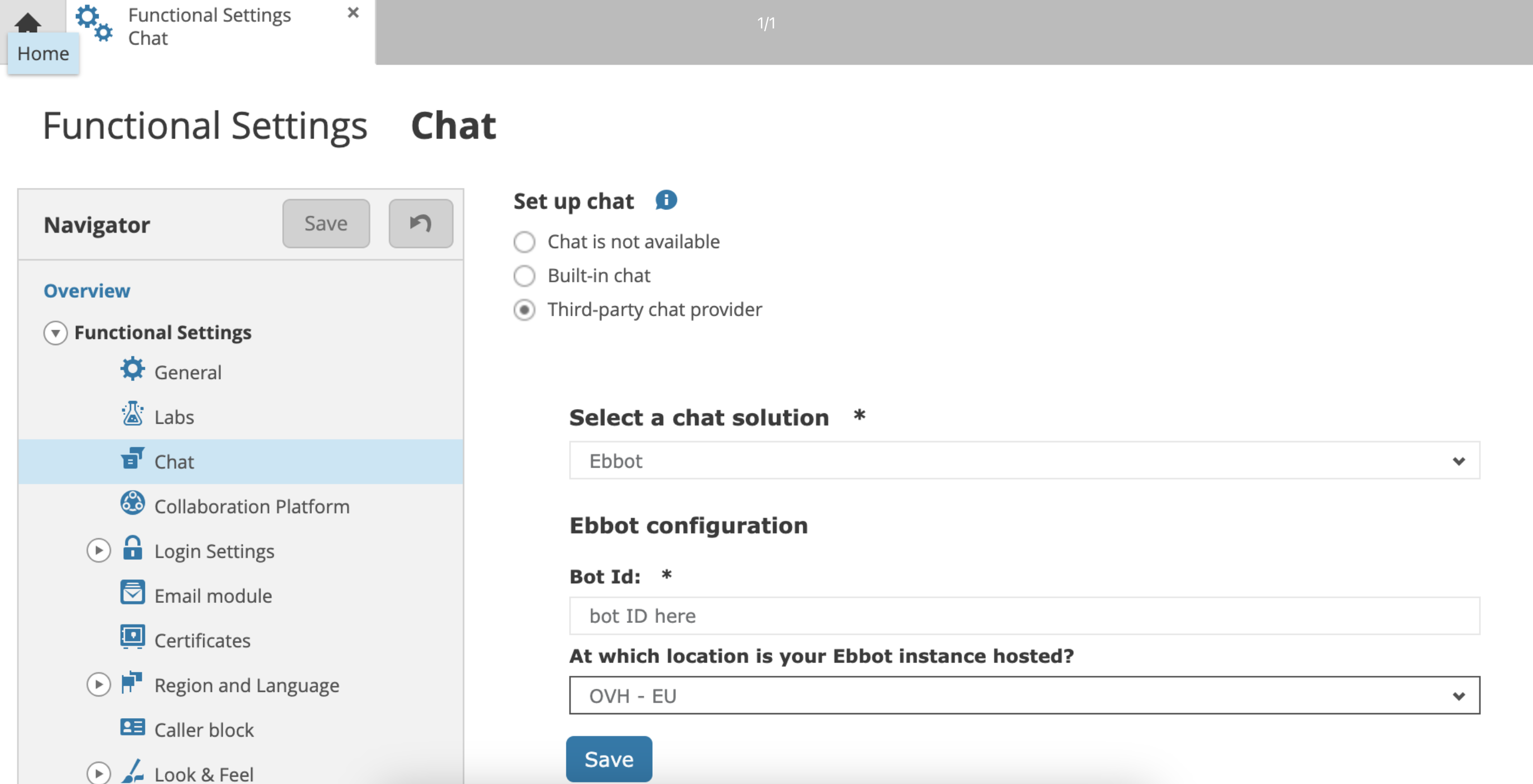
Choose Ebbot under "Select a chat solution" and enter your bot-ID and hosting location, both of these can be found on this page in Ebbot App: Chat widget > Settings 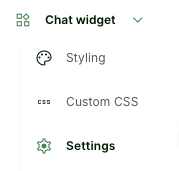
If you click on the bot-ID it will be copied.
This is a visual example of how it looks in Ebbot App: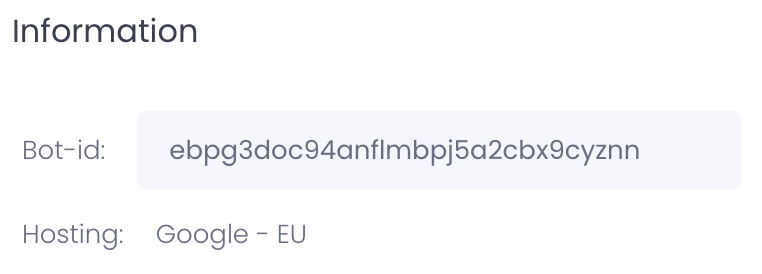
Click save and login to the SSP and the Ebbot chat widget will be there!
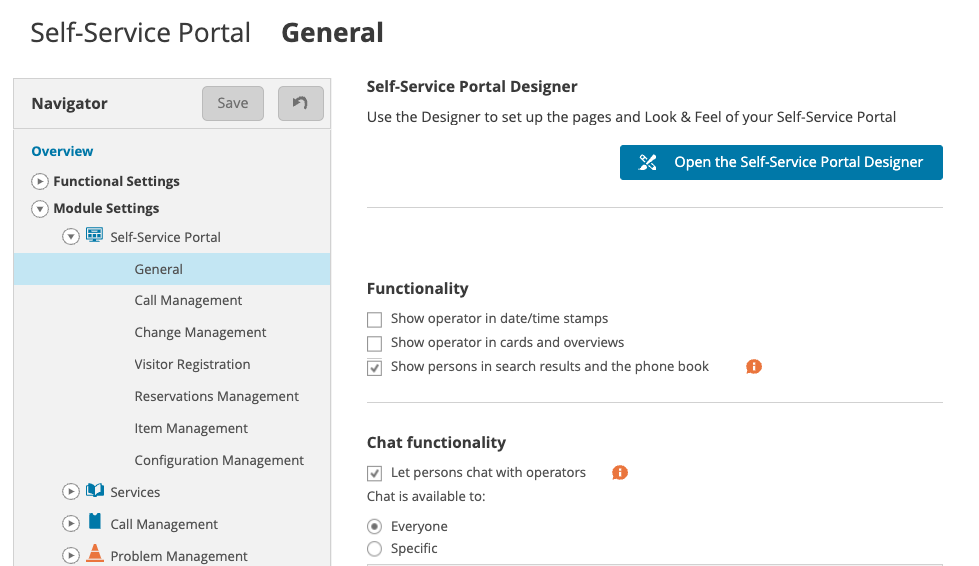
Make sure that the chat functionality in TOPdesk is turned on also :